Activations: testing your experiment
Testing your experiment is a crucial part of the data collection process. It allows you to validate your experiment’s functionality, and to ensure that it is working as expected before you begin collecting “real” participant data. VERA allows you to test your experiment for free without spending any tokens. This section will walk you through the process of testing your experiment.
Before continuing with this section, it is useful to understand the different types of experiment states (Draft, Collection), and the different activation states (Active, Inactive, Paused). For more details on these states, see the Activations: overview section.
Testing your experiment
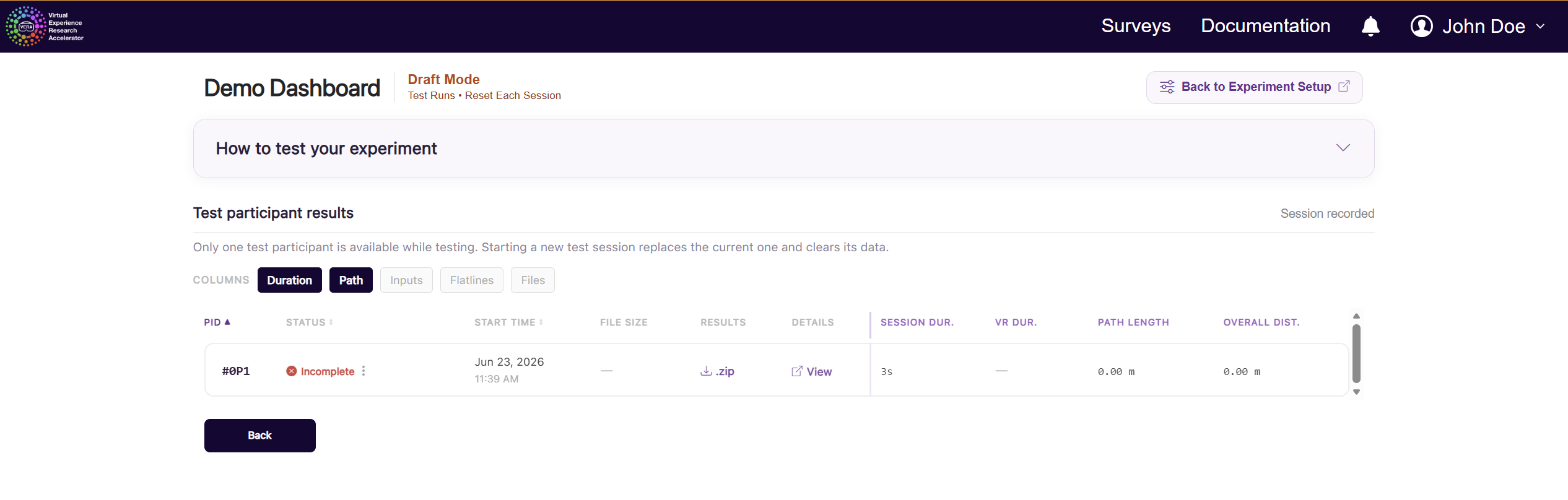
While your experiment is in Draft Mode, you will have access to a single free test participant slot. This slot will be available to use for free every time you run a new test session.
Each time you run a new test session, this single testing slot will “reset”, and your new test session will record over this slot. This test slot will be unavailable after transitioning to Collection Mode, but you can always return to Draft Mode to use the testing slot again.
From Experiment Setup, click Test Experiment to open the results page. You can also run the experiment directly from Unity. When you run the experiment, VERA will automatically create a new participant testing session for you, which you can then view on that same results page.